Deep Sea Luminosity

Project Overview

With this project, I was challenged to conceptualize a new museum exhibit for the Cincinnati Museum Center. This exhibit had to utilize both the physical and digital realms to create a fully immersive exhibit, where users utilize an app to interface with the physical touchpoints in some way.

I learned how to use Figma, establish branding across a website, app & wayfinding signage, create hi-fi prototypes from lo-fi wireframes, explore AI in a meaningful way, and test & refine a product from user feedback.

The Deep Sea Luminosity exhibit showcases the underwater creatures of the ocean— particularly their massive size and strange anatomy. The app encourages users to record videos with Augmented Reality features, "catch" fish to add to their collection that will earn them Rewards to redeem at the gift shop, and more.


Programs Used

Figma
Photoshop
Illustrator
Gemini
ChatGPT

*AI used for image generation and some copy text.

All mobile icons from Figma Design Community contributors Streamline and Elchin.

Design Process

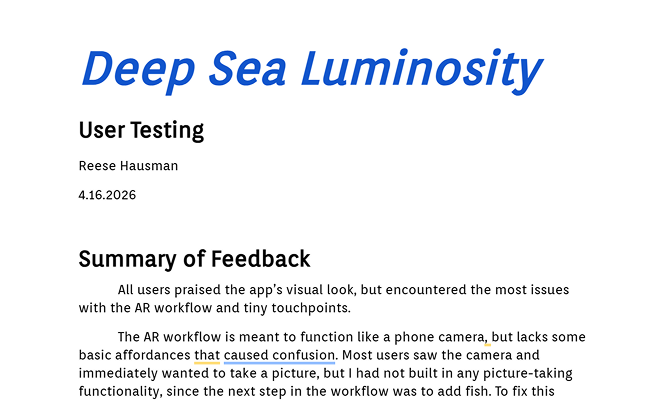
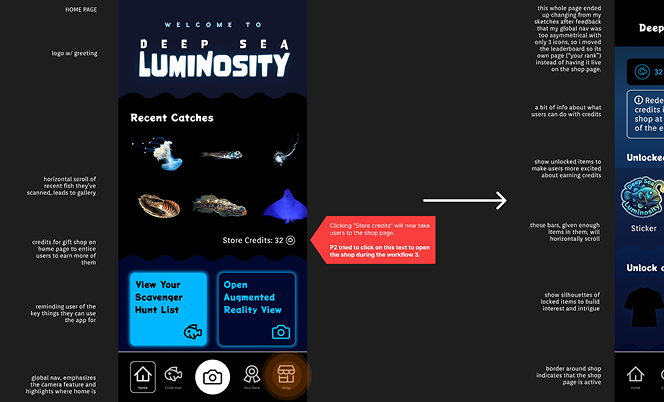
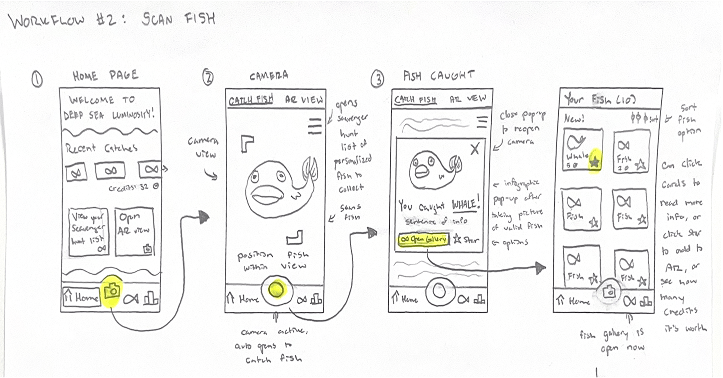
Decision-making centered around feedback I received from my professor, classmates, and users. Each user flow in the website and app stemmed from sketches, ending in user testing and further iteration. Especially with the app, I relearned that what might seem obvious to me can be easily missed by the user.

Ideation phase
01 Ideate
Sketch phase
02 Sketch
Lo-fi wireframes
03 Lo-fi
Hi-fi wireframes
04 Hi-fi
User testing
05 Testing
Iteration phase
06 Iterate

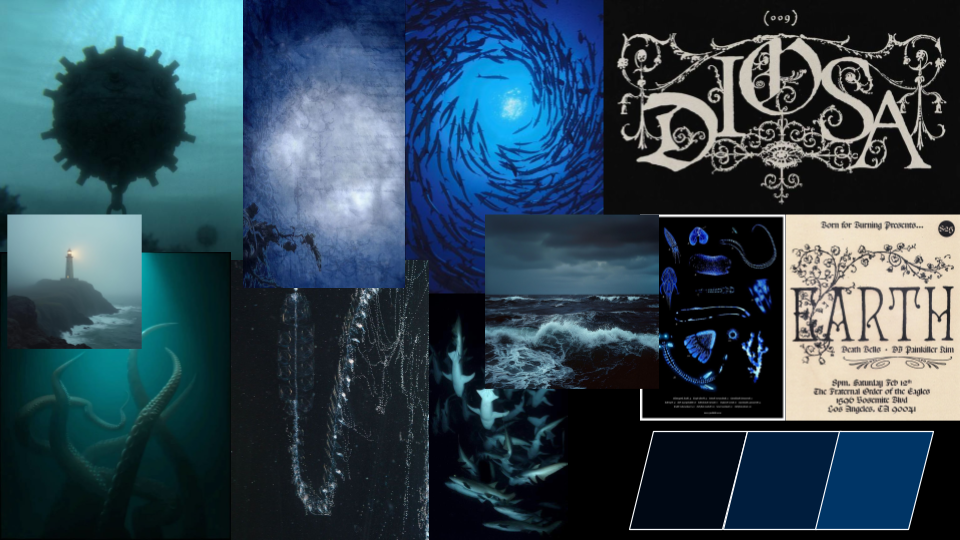
Moodboard 1

For families with strange interests, ages 13-55. Families marvel at the disturbing parts of these unusual deep sea creatures— parents appreciate the live tanks and children appreciate the climbable replicas of fish innards. MYSTERIOUS, INTRIGUING, CREEPY, UNSETTLING. Cons: Unfriendly for little kids, strangeness might push some learners away, very limited color palette.

Moodboard 1 — dark mysterious aesthetic

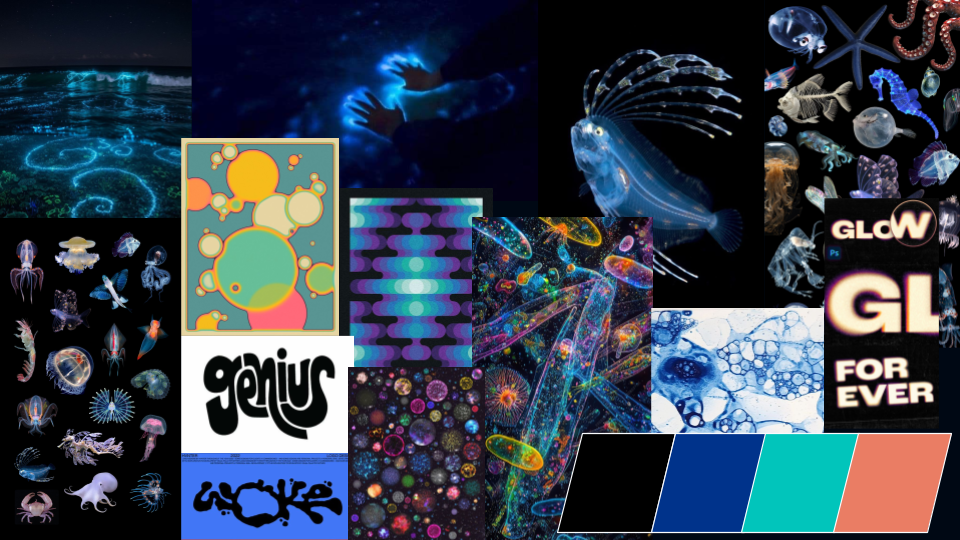
Moodboard 2

Families who like the ocean & its creatures, ages 4-65. Invite into the experience and dismiss the notion that the deep sea is too scary. Children will appreciate the many climbable and interactive aspects, while parents will enjoy the AR life-size scale of fish feature. MARVELOUS, WACKY, FASCINATING, OTHERWORLDLY. Pros: Promotes invitingness over scariness, friendly for all ages, fun & playful.

Moodboard 2 — vibrant colorful ocean aesthetic
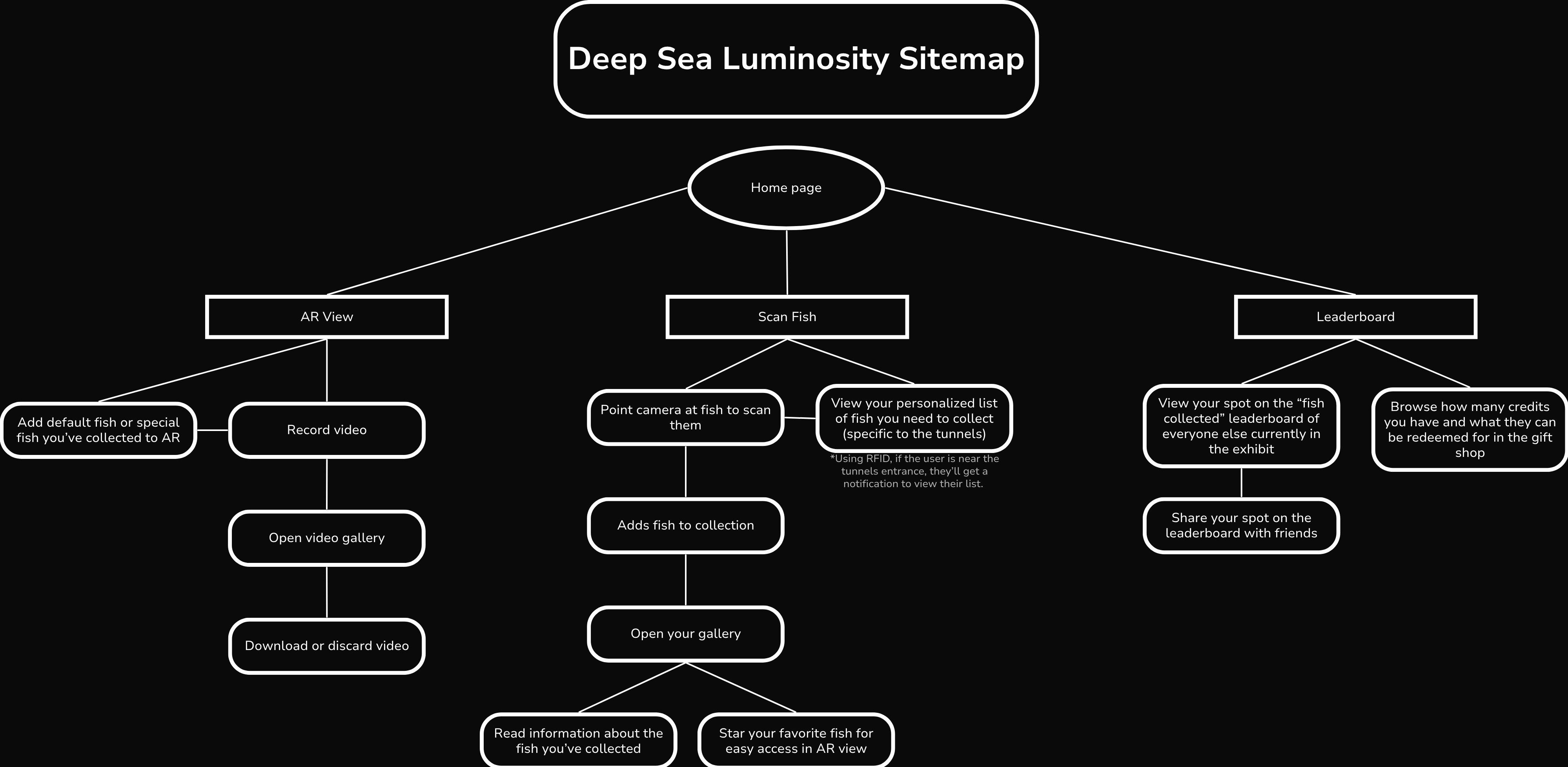
Information architecture sitemap

Lo-Fi Wireframes

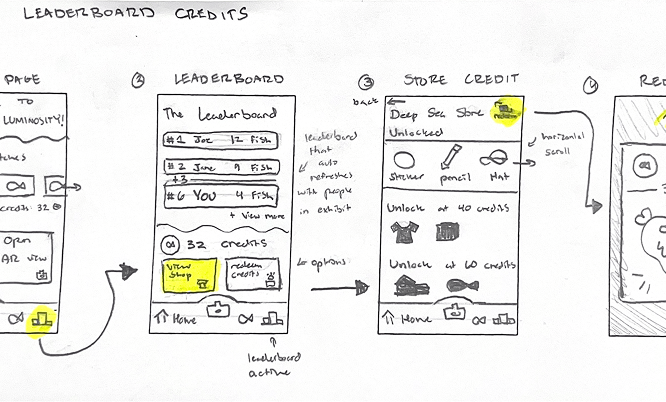
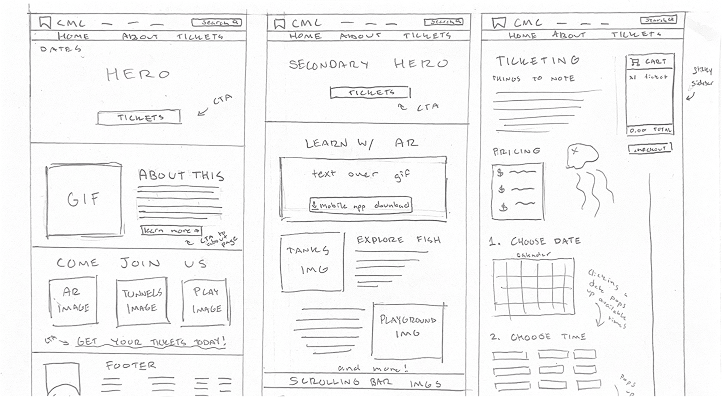
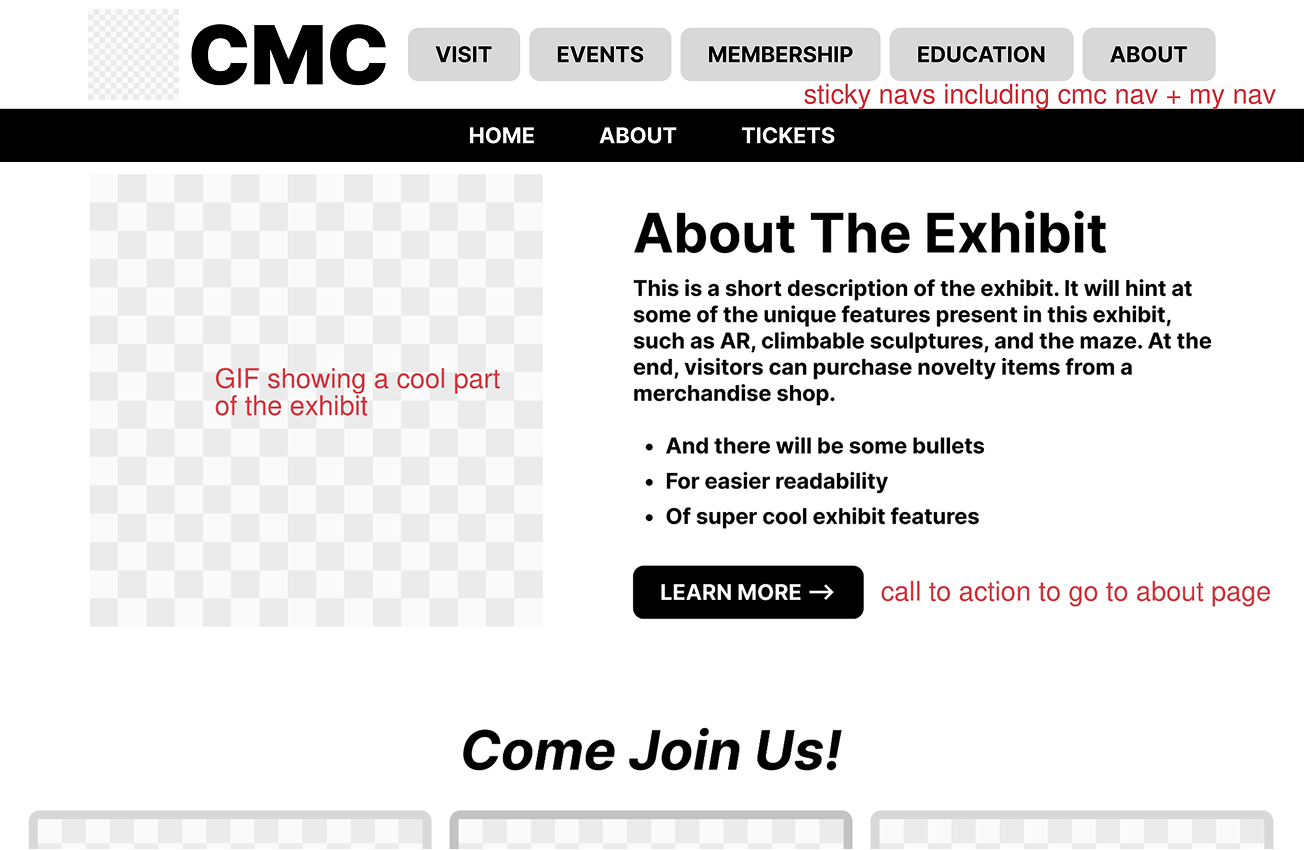
Before touching my computer, I sketched out the flow of each page (based on the preceding sitemap) on paper to ensure I had a good idea of what I was working with. I highlighted or notated each call to action so that no page was without a purpose. From there, I recreated CMC's branding, then drafted low fidelity wireframes and annotated them for clarity.

Lo-fi wireframe sketch 1
Lo-fi wireframe sketch 2
Lo-fi wireframe sketch 3

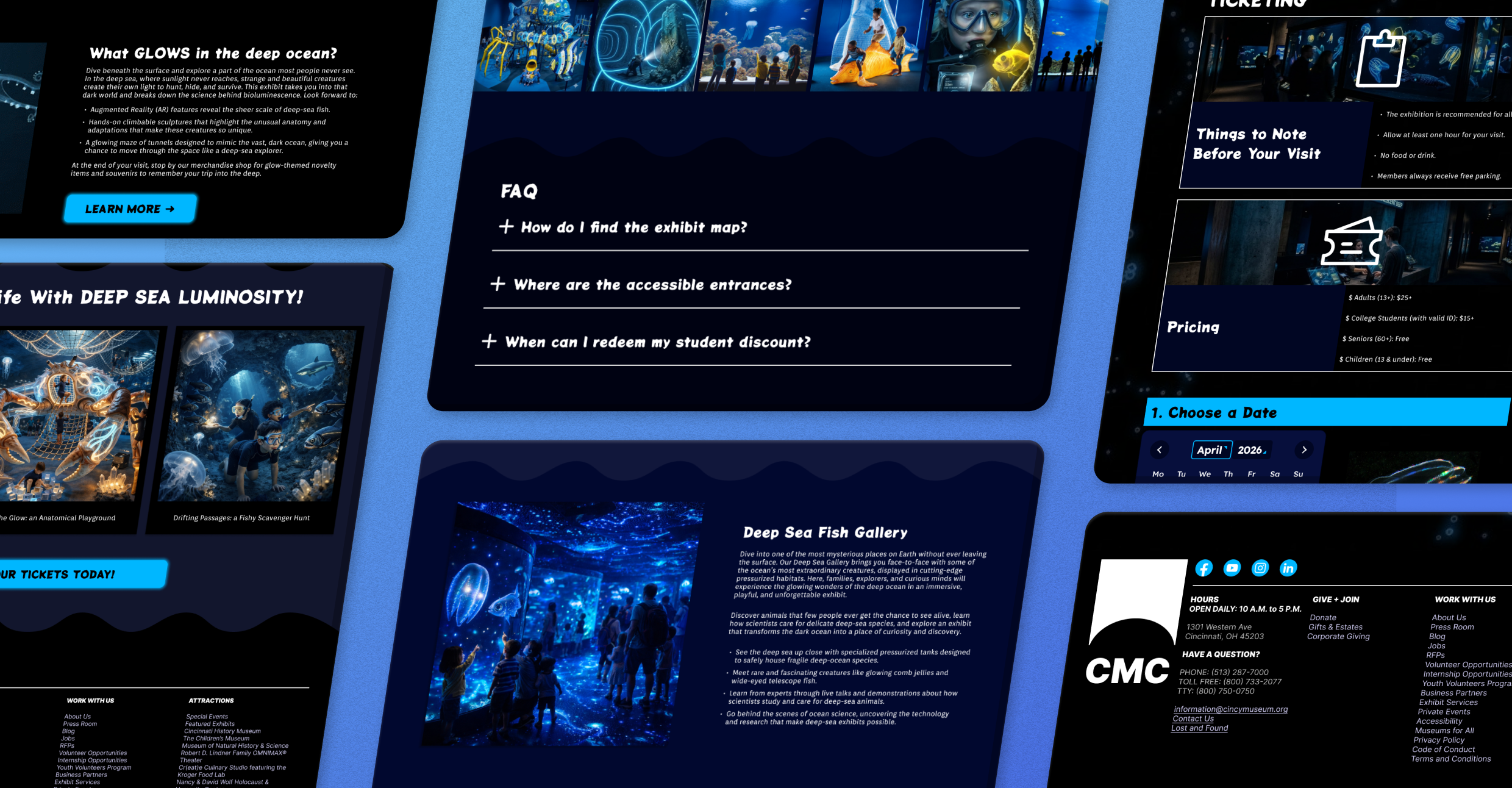
Building upon the strong wireframes I concepted in the Low Fidelity versions, I created a Home, About, and Ticketing page using the branding for Deep Sea Luminosity I established in the mood board. Gemini & ChatGPT aided in image generation and some copy text so that I could focus more on the UI design itself. Lastly, I utilized Figma Prototyping to build out interactions across buttons and pages. Overall, the webpage is meant to promote the exhibit and direct users toward buying tickets.

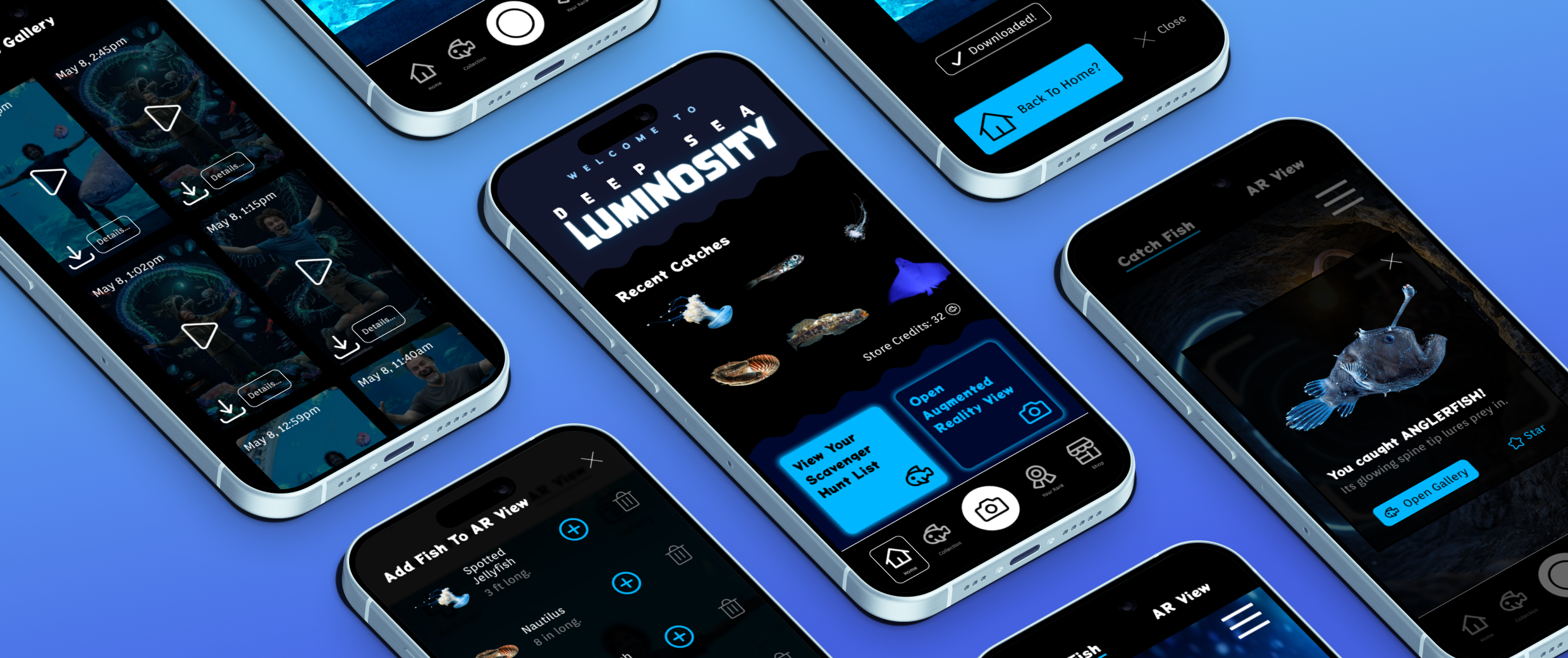
High Fidelity App images

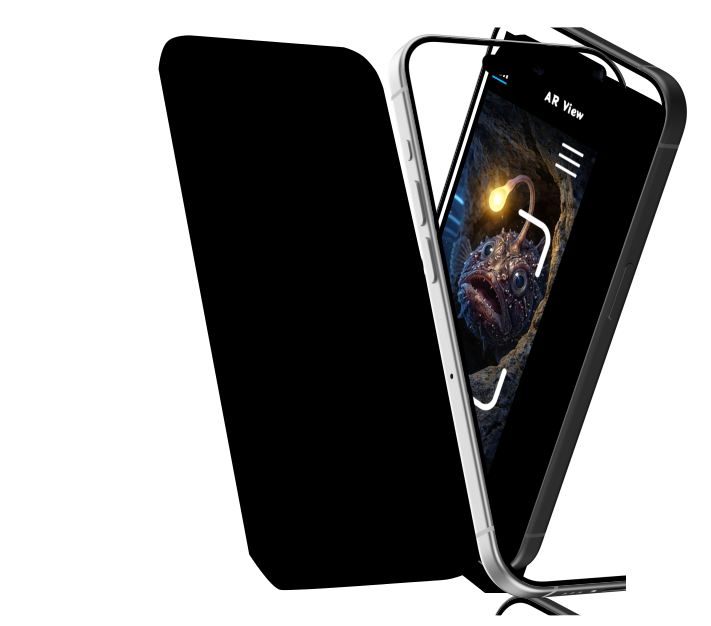
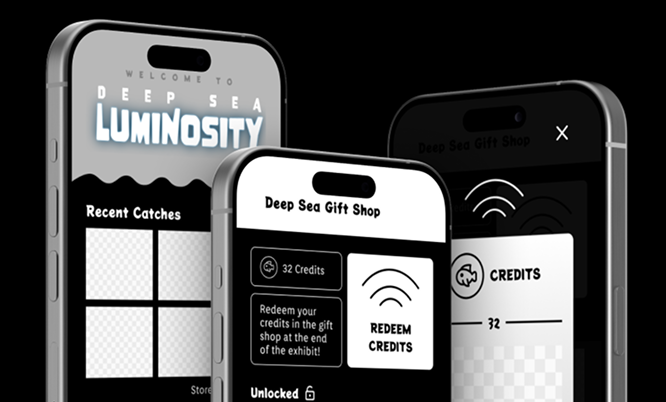
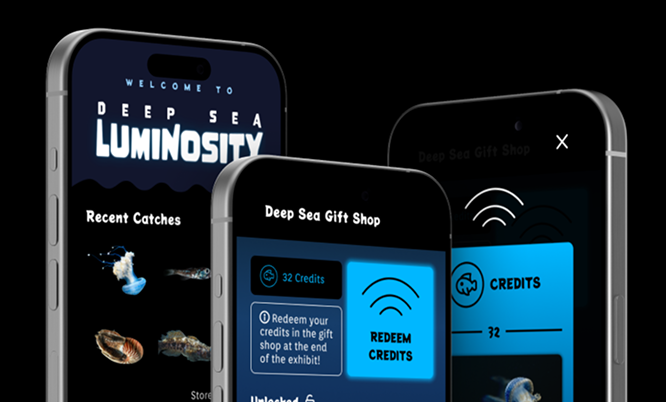
Similar to the website, the high fidelity app was developed after sketching, lo-fi wireframing, and image generation with AI. I placed more emphasis on having clean icons and intuitive user workflows. During class time, I followed a testing script, testing the app among my classmates, and made changes based on their feedback.

App Interaction

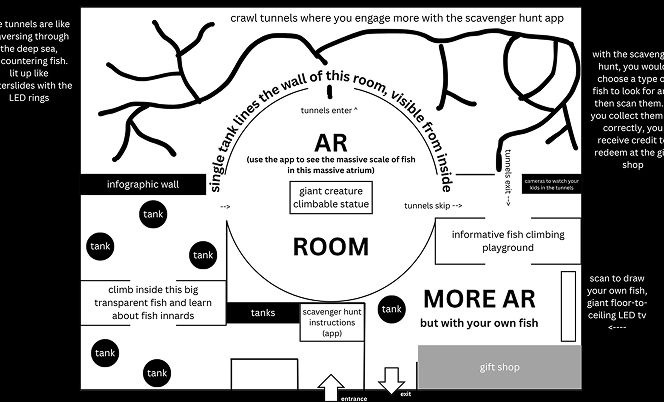
Users utilize the app only from within the exhibit as a means to enhance their in-person experience, so I designed interactive features around that thought.

  • The camera allows users to see the size of their body in relation to gigantic sea fish.
  • Catching fish works in tandem with the RFID inside the exhibit.
  • The redeem credits card acts as a native wallet compatible with the gift shop register.
  • The leaderboard recognizes users currently on the museum Wi-Fi.

Wayfinding Elements

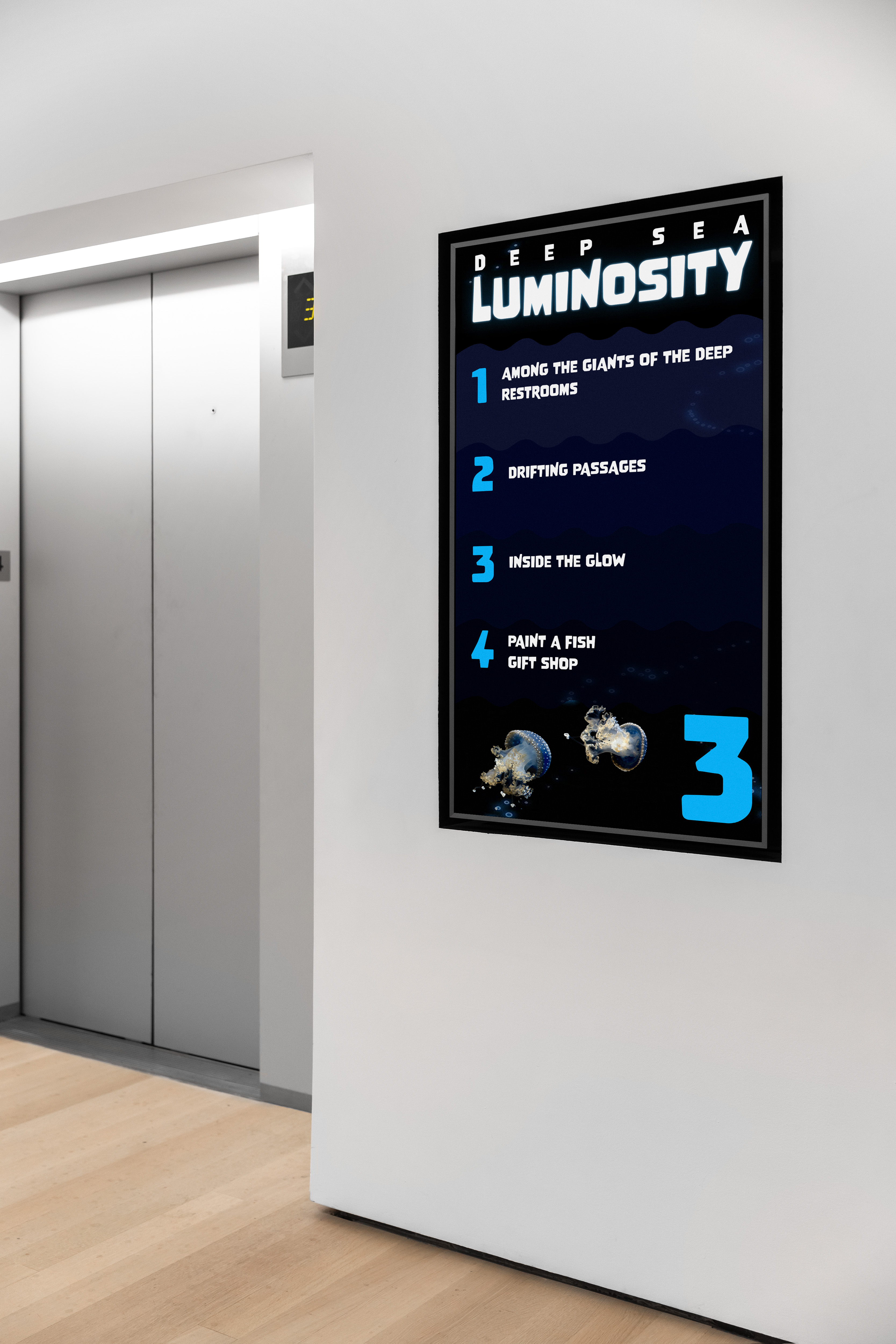
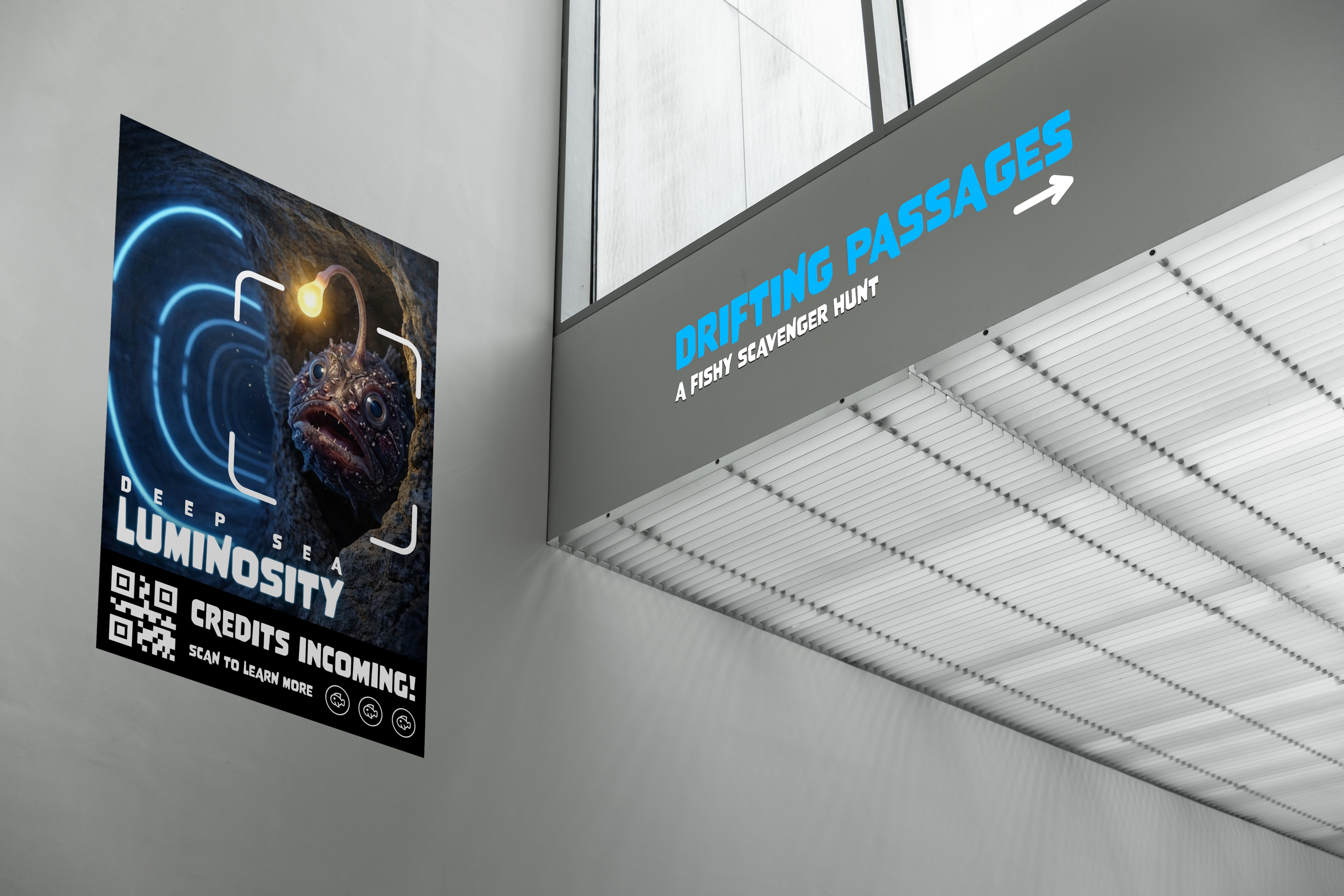
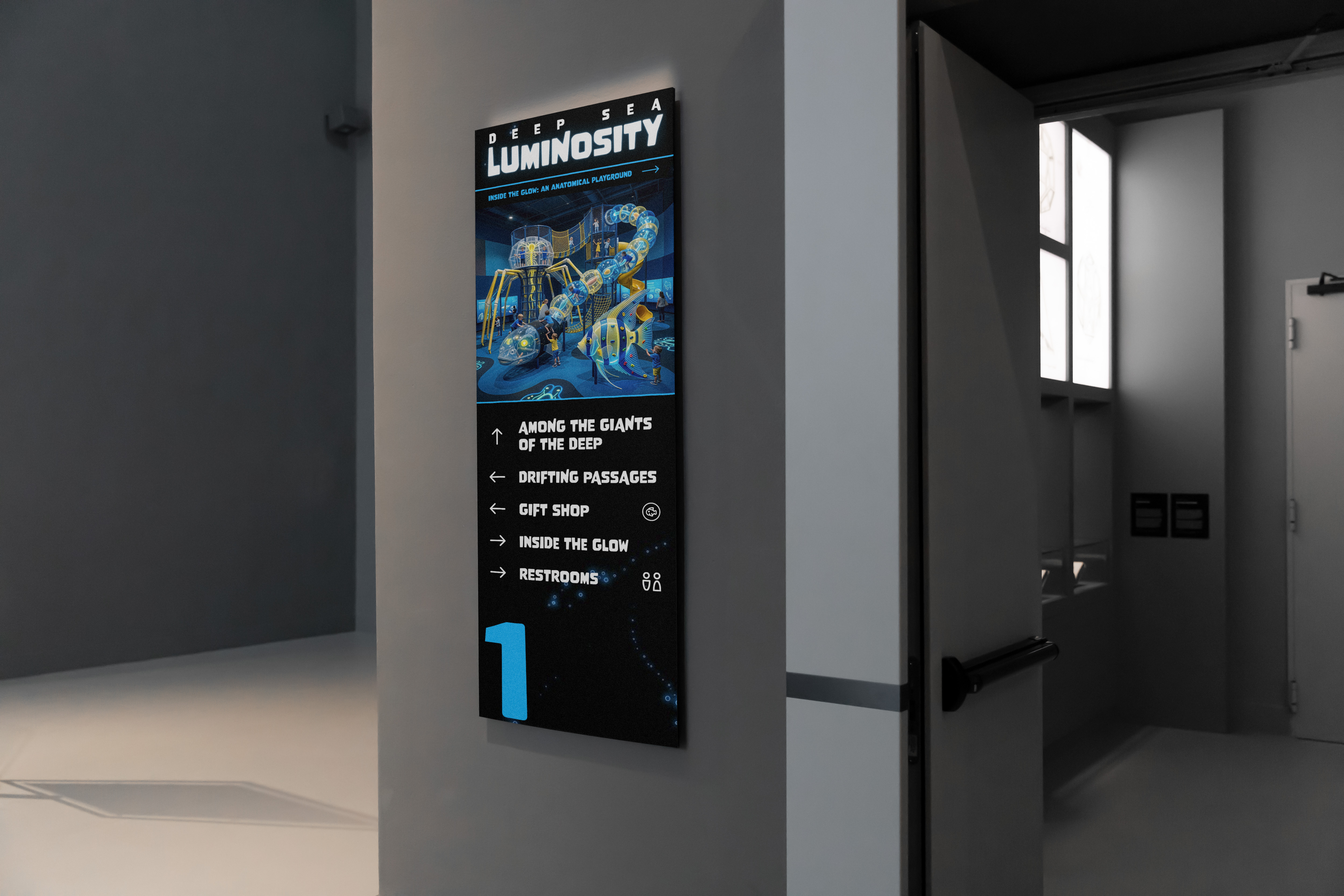
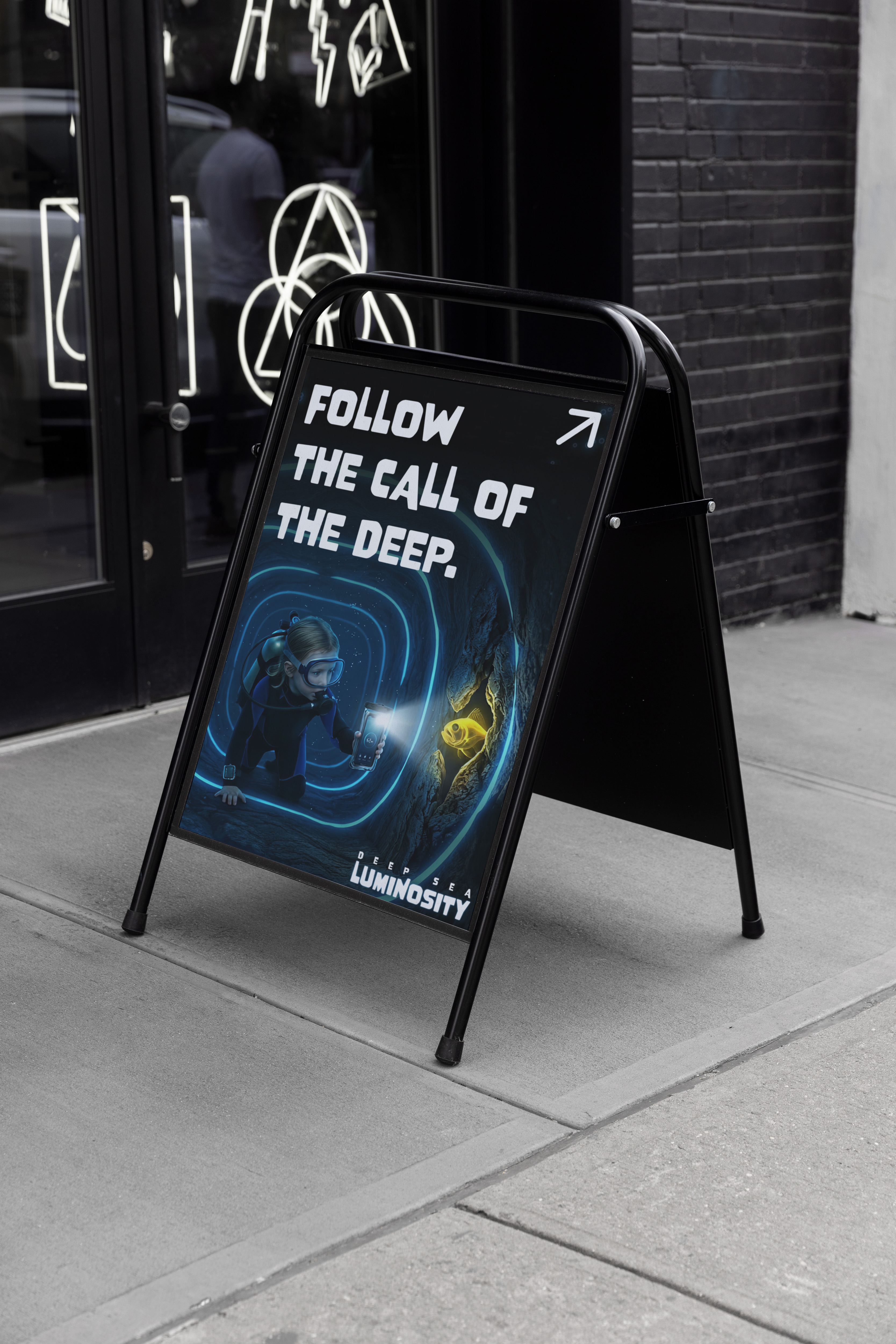
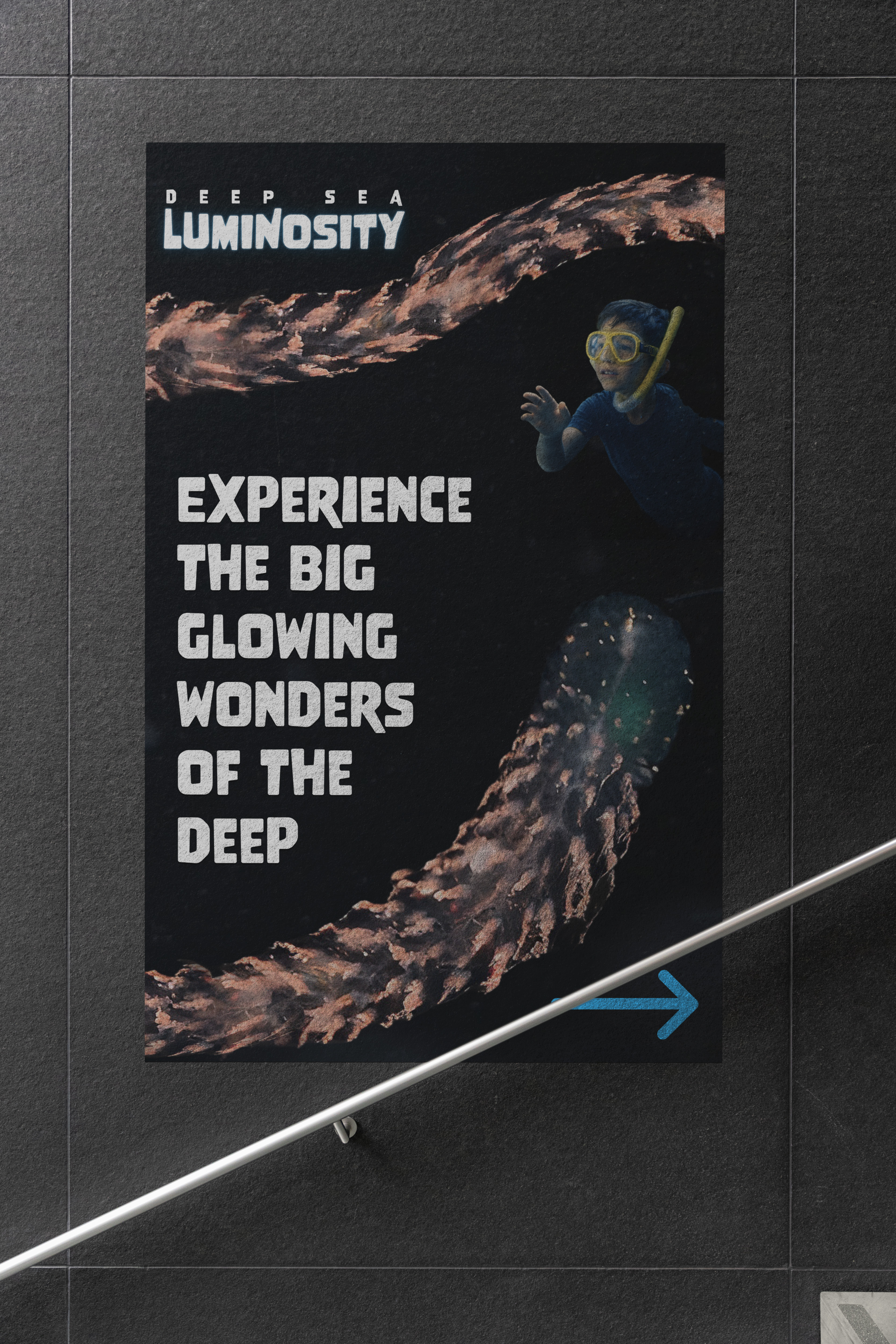
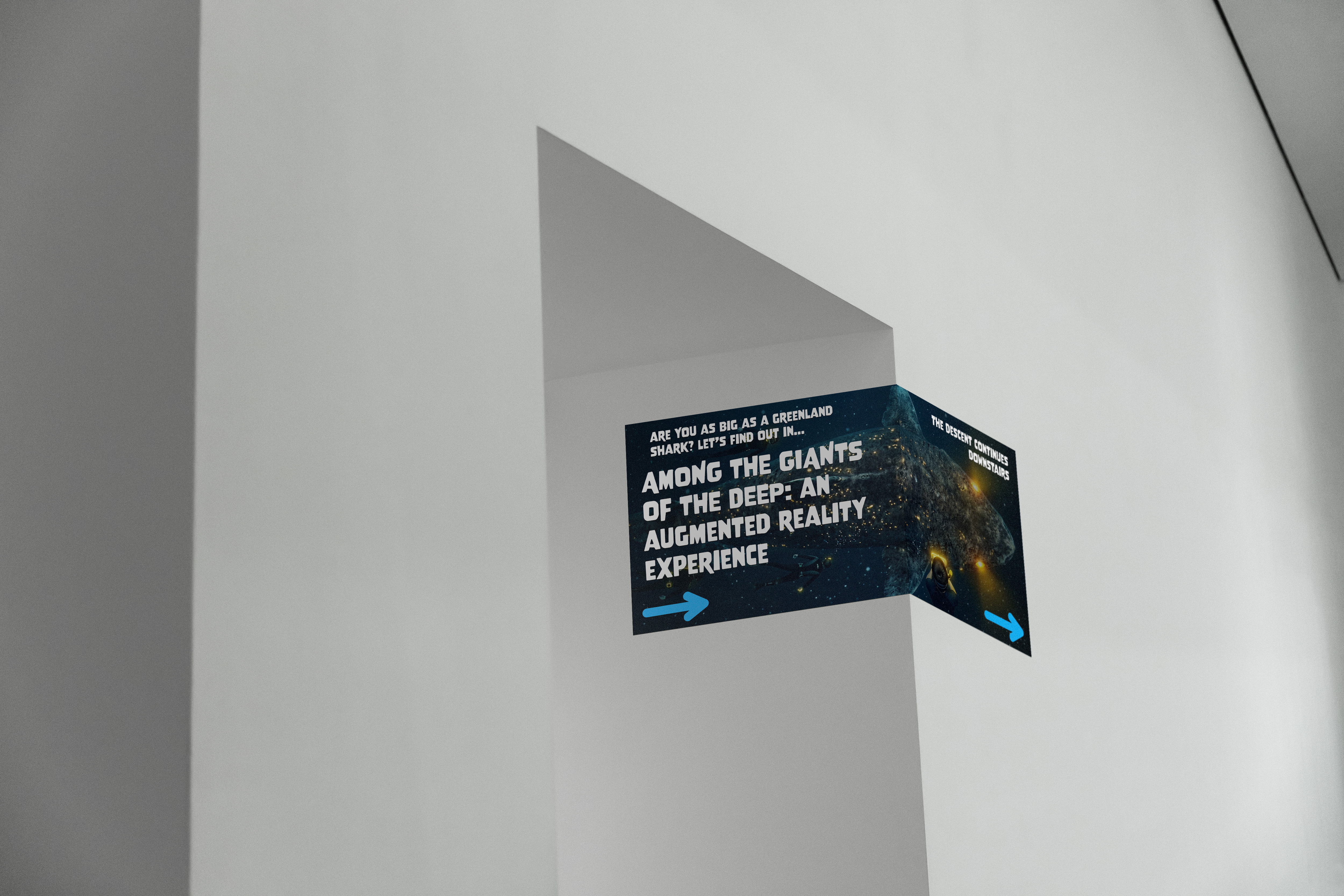
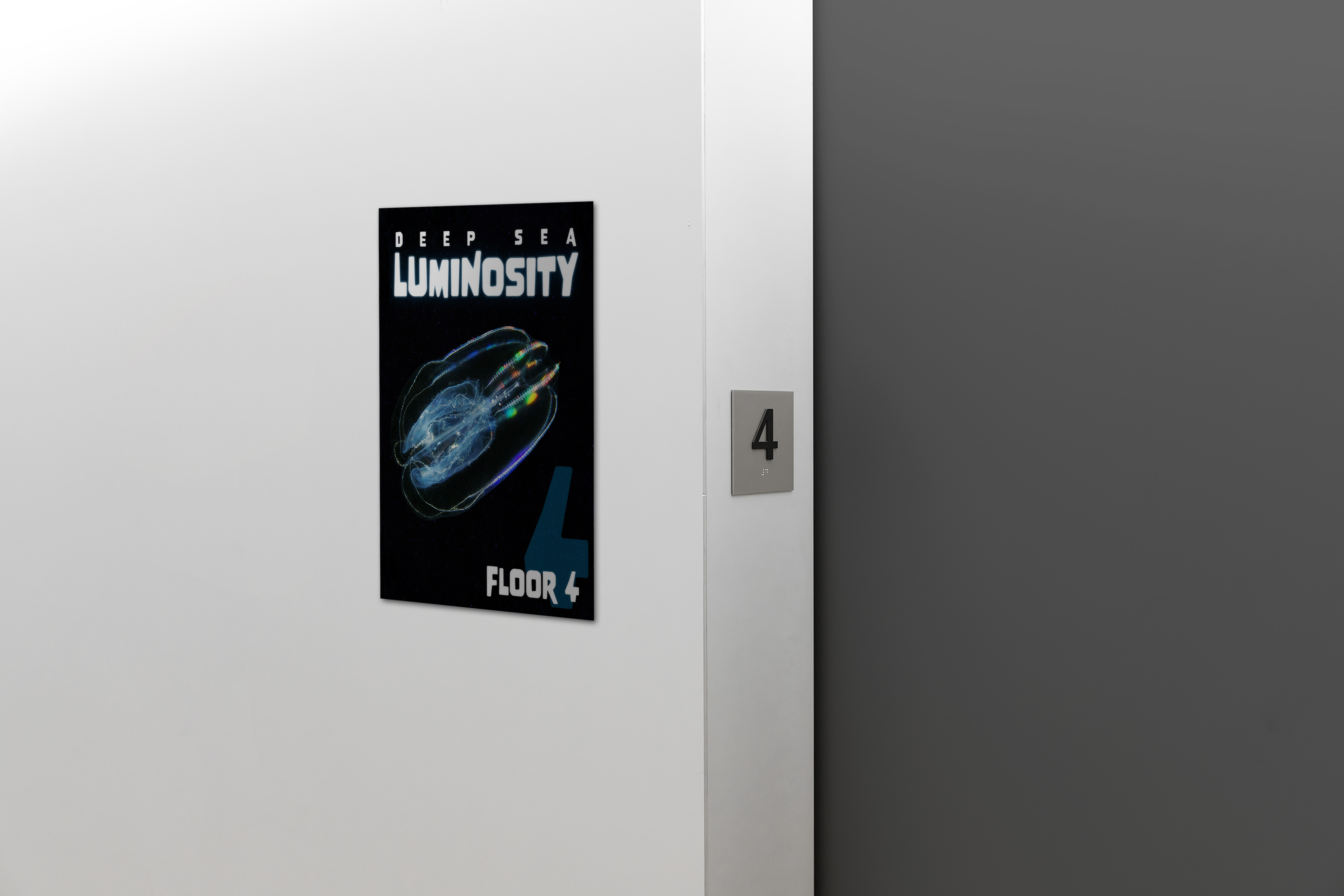
Now that the digital elements of the exhibit were wrapped up, I imagined what physical exhibit components would look like using PSD mockups.

Wayfinding element A
Wayfinding element B
Wayfinding element C
Wayfinding element D
Wayfinding element E
Wayfinding element F
Wayfinding element G